1. Set up your business
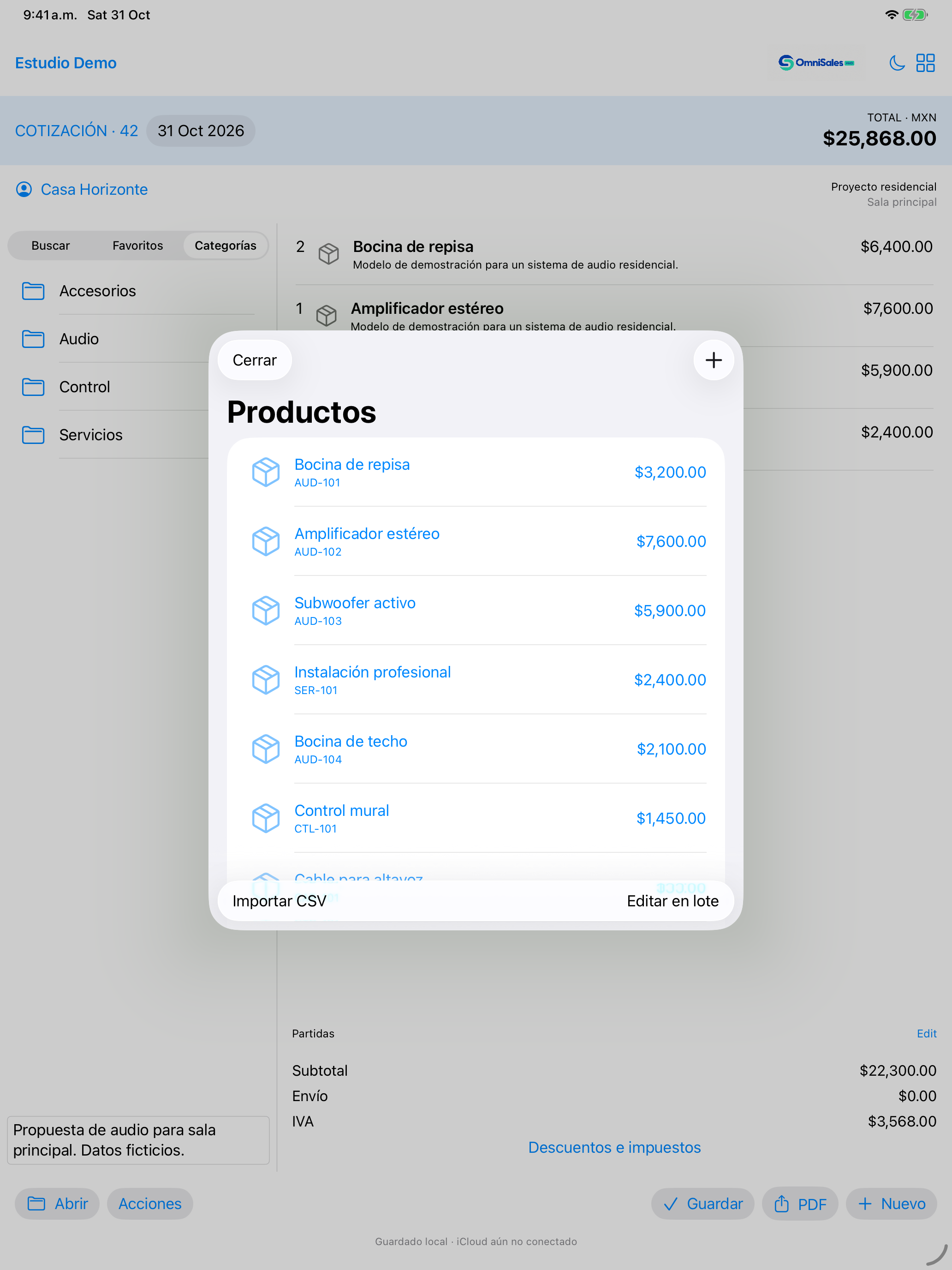
Create a business, review its name and currency, then add products or import your catalog. Review changes and warnings before confirming the import.

Create a business, review its name and currency, then add products or import your catalog. Review changes and warnings before confirming the import.
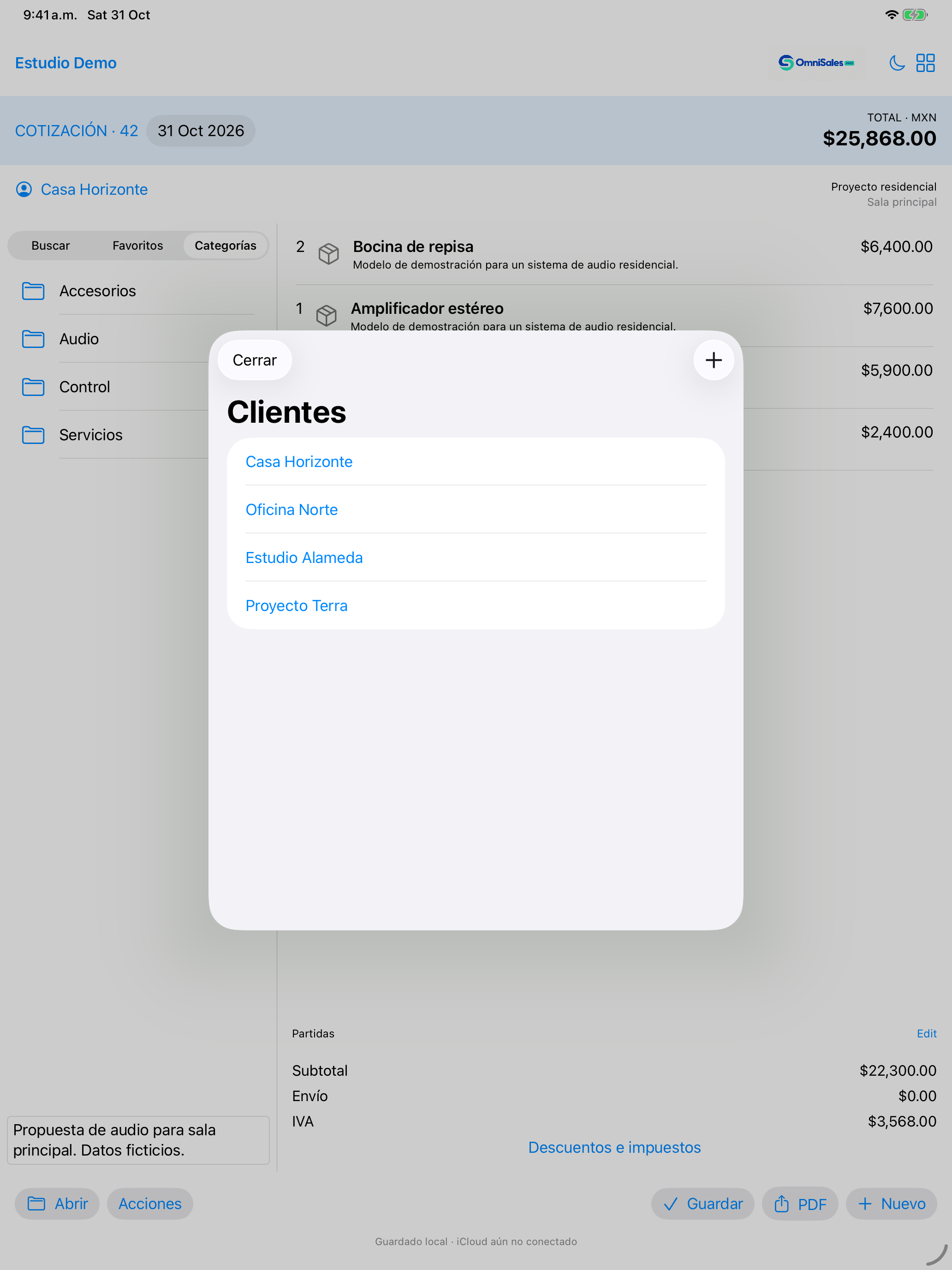
Enter the necessary contact details. Select the customer when preparing a quote.
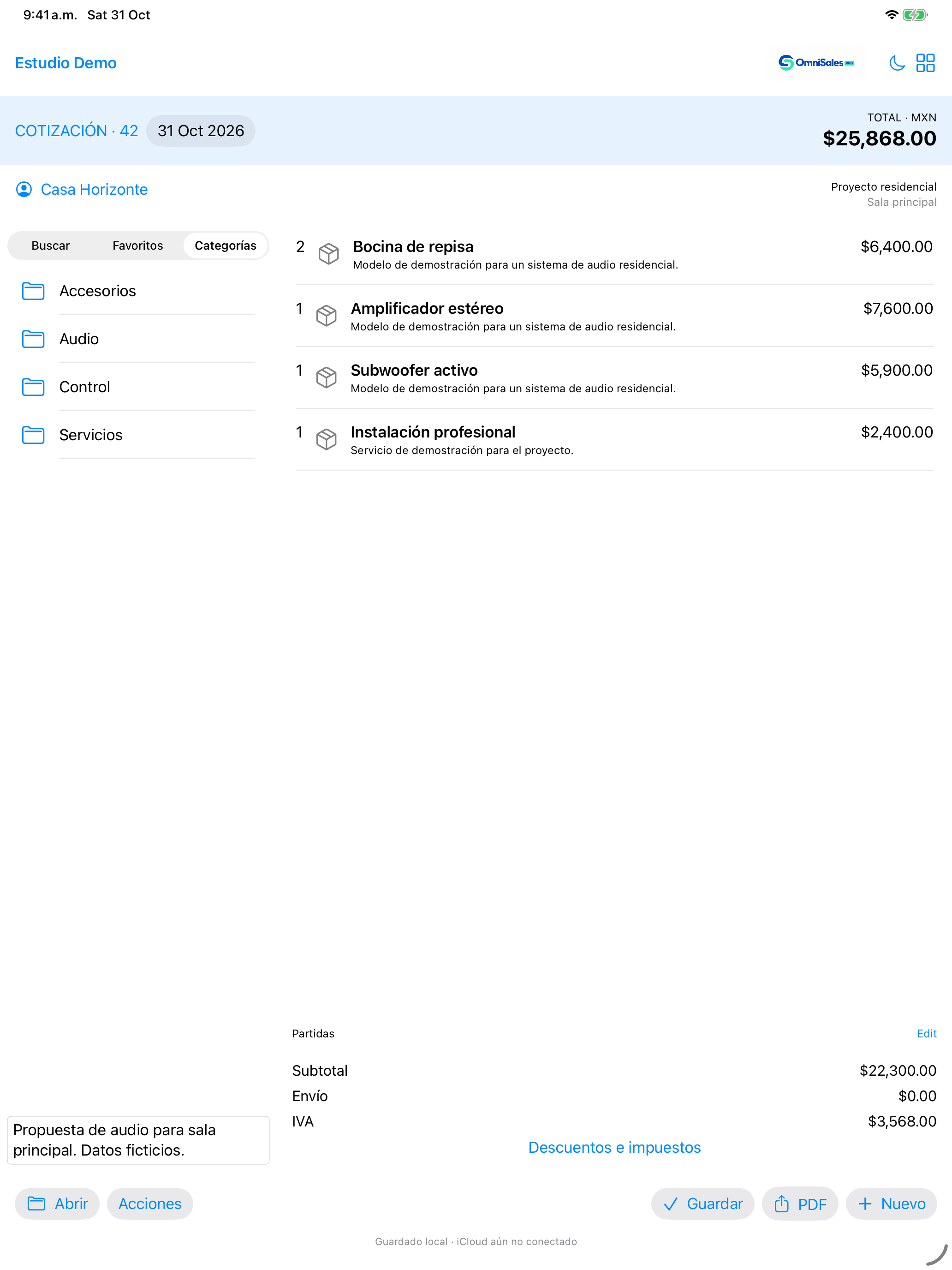
Add products or services to the quote. Review quantities, prices, discounts, taxes and terms; save and export the PDF to your chosen destination.
The app automatically attempts to synchronize saved changes when your iCloud account is available. Use the same Apple Account on your devices and check your connection and available storage.
Keep backups in a secure location. You can delete records and businesses in the app; separately review recovery copies, backups, exports and iCloud storage. Uninstalling does not remove every copy.
Manage or cancel your subscription in Apple's subscription settings. If you already purchased, use Restore Purchases on the subscription screen. Canceling does not delete your data.
Include your device, app and system versions, and steps to reproduce the problem. Hide customer data in screenshots. Never send passwords.